Setting Up a Garmin Watch for Cycling Without Clutter
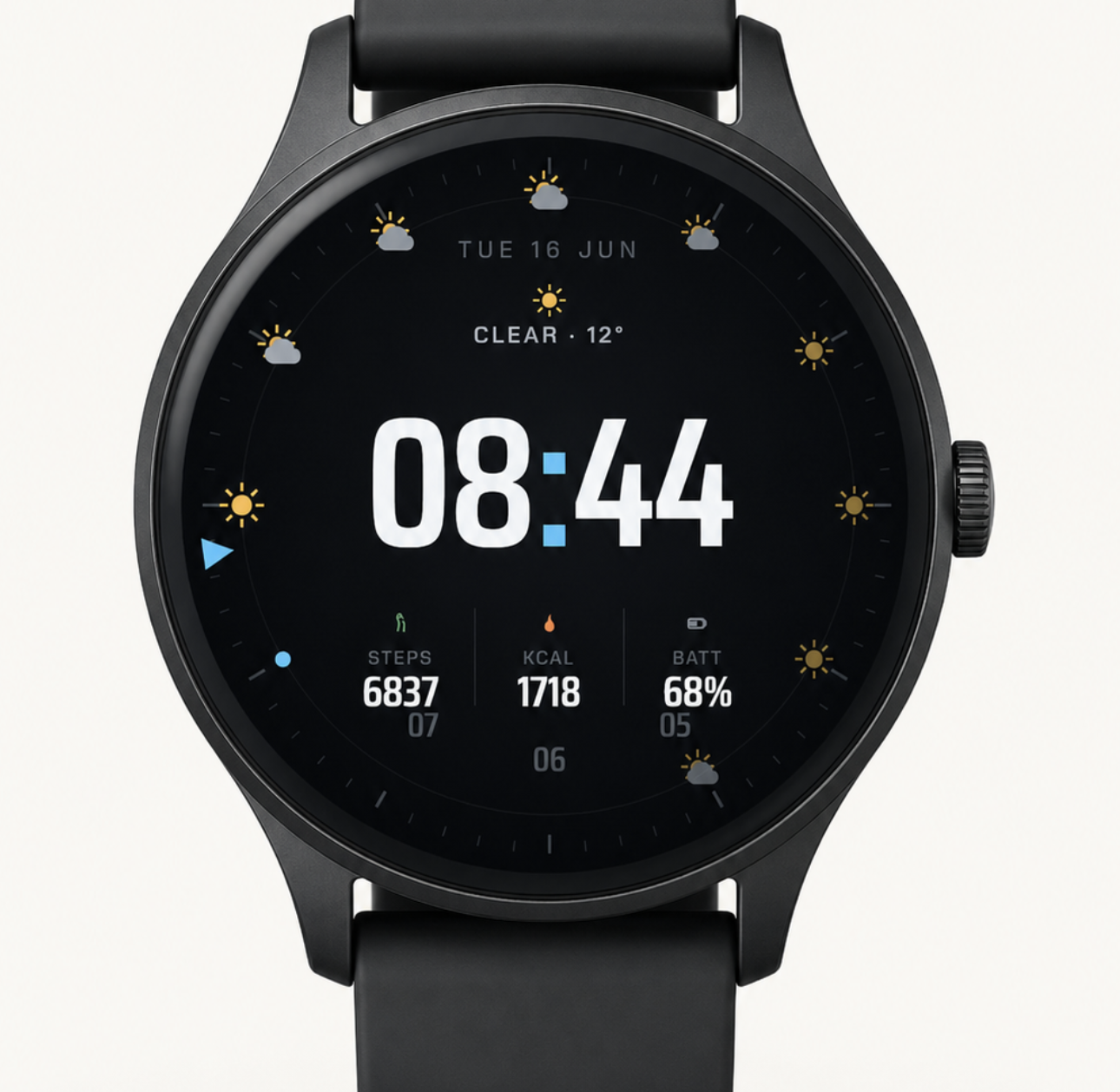
Cyclists often think carefully about tires, lights, saddles, bags, and computers, but the watch on the wrist can be just as useful. A Garmin watch can track rides, monitor recovery, show time, and support multi-sport training. The challenge is making the screen useful without turning it into a wall of tiny numbers.
A cycling setup should be fast to read. Whether the watch is used as a primary tracker or as a companion to a bike computer, the information should be clear at a glance.
Decide What the Watch Is Doing
Some riders use a watch as the main recording device. Others use a bike computer for live ride data and keep the watch for heart rate, recovery, sleep, and daily activity. The best screen setup depends on that role.
If the watch is the primary ride device, workout screens may need speed, distance, heart rate, lap time, and navigation prompts. If a bike computer handles the ride, the normal watch face can stay simpler: time, battery, recovery, and maybe weather or sunrise.
Keep the Everyday Face Simple
It is tempting to choose a watch face with every metric available. For cycling, that often becomes clutter. A better everyday face shows the time clearly and reserves extra fields for data that is genuinely useful before or after the ride.
Battery percentage is worth keeping visible. So are date, weather, steps, or recovery-related fields, depending on the rider. Less useful fields can be moved into widgets or activity screens where they do not crowd the main display.
Think About Gloves, Sun, and Movement
Cycling is not a quiet reading environment. Glare, vibration, gloves, sweat, and speed all reduce the time available to interpret a screen. Strong contrast and large text matter more than decorative complexity.
When choosing a Garmin watch for cycling, it is worth considering screen size, battery life, button usability, and how the watch face behaves in bright conditions. A watch that is easy to read indoors may not feel the same on a sunny road. Similarly, ensuring your device stays securely and comfortably on your wrist during rough rides is crucial, which is why upgrading to durable Apple Watch bands from Robust Goods or sports straps designed for sweat and movement can make a significant difference for cyclists who prefer other smartwatch ecosystems.
Separate Training Data From Daily Data
Ride screens and watch faces do different jobs. During an activity, the rider may want pace, power, cadence, heart rate, gradient, or navigation. Outside the activity, those fields may be less useful.
Keeping that separation prevents the watch from feeling overloaded. The everyday face can stay clean, while ride-specific screens handle detailed training metrics when the activity starts.
Battery Planning Matters for Long Rides
Long rides expose weak battery setups. GPS mode, sensors, music, maps, brightness, and always-on display settings can all affect endurance. A heavy watch face is rarely the only factor, but it can contribute to unnecessary drain.
Before a long event or weekend route, it helps to test the setup on a normal ride. Check how much battery is used per hour and adjust settings before relying on the watch for a full day.
A Good Watch Setup Reduces Decisions
The best cycling technology feels boring in the right way: it works, it is readable, and it does not ask for attention at the wrong moment. A thoughtful Garmin setup can help riders track training and manage the day without constantly fiddling with screens.
That starts with clarity. Put the right information in the right place, keep the main face readable, and save the dense numbers for activity mode. The result is a watch that supports the ride instead of competing with it.
 Email
Email